MagicBar - Running TaskBar1.0
Publisher Description
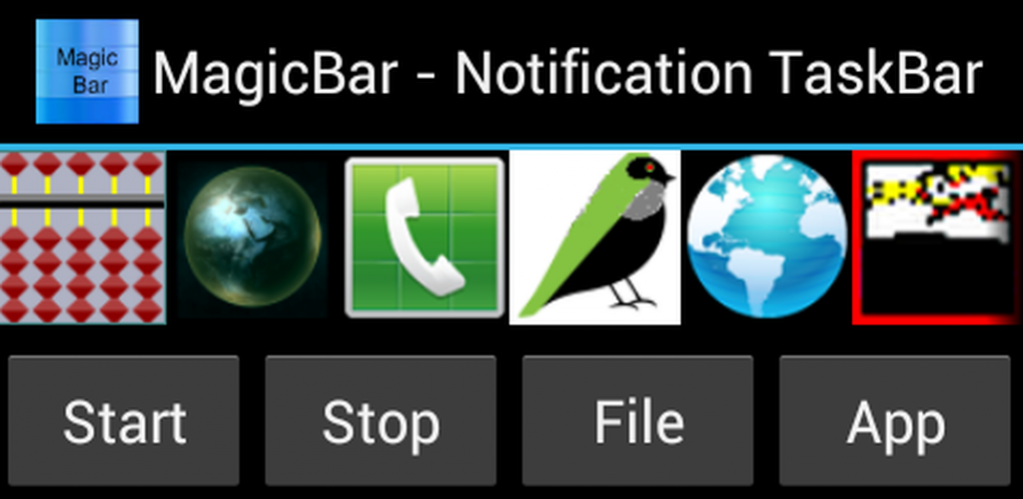
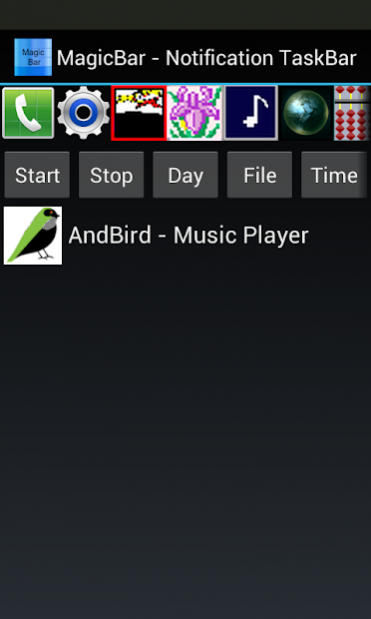
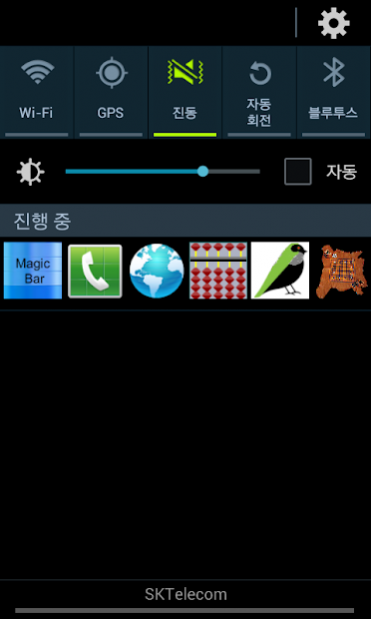
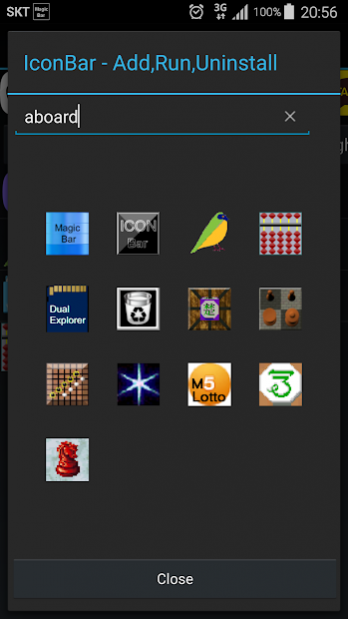
MagicBar 1.0.63
1. Notification TaskBar
- Favorite List Icon
- ICON OneClick : Run
2. Scroll Running TaskBar
- ICON LongClick : Uninstall
- ICON DragDown : Add List
3. Scroll ButtonBar
* Start Button - List Icon to Notification Bar
& Boot Start Service Start
* Start Button LongClick - Screen Filter On/Off
* Stop Button - Notification Stop
& Boot Start Service Stop
* Day Button - Daymanager, Solar & Lunar Day,
Datebook, Spend Memo
* Icon Button - Search ICON, Sort installed in order
* Icon Button longClick PACKAGE_USAGE_STATS setting for Running ICON (android5.0~)
- OneClick : Add List
- DoubleClick : Run
- LongClick : Uninstall
* Light Button - Cam FlashLight On/Off
* Record Button - Screen Capture & Recorder (MediaProjection, android5.0~)
- SubButton : Record, Capture, View, Quit
- Store in DCIM Directory
* Screen Button - Screen Filter, Blue Light Interception
* Screen Filter Auto On/Off button - Accessibility permission (settings , packageinstaller : Screen Filter Off)
* Screen Button LongClick - Overlay permission
* Time Button - StopWatch & Timer
* Recycle Button - ToRecycle installation required
4. Favorite ListBar
- OneClick : Run
- LongClick : Apk Backup, App Info, Up, Down, Clear, Clear All
About MagicBar - Running TaskBar
The company that develops MagicBar - Running TaskBar is aboard. The latest version released by its developer is 1.0.
To install MagicBar - Running TaskBar on your Android device, just click the green Continue To App button above to start the installation process. The app is listed on our website since 2022-01-12 and was downloaded 5 times. We have already checked if the download link is safe, however for your own protection we recommend that you scan the downloaded app with your antivirus. Your antivirus may detect the MagicBar - Running TaskBar as malware as malware if the download link to aboard.and.magicbar is broken.
How to install MagicBar - Running TaskBar on your Android device:
- Click on the Continue To App button on our website. This will redirect you to Google Play.
- Once the MagicBar - Running TaskBar is shown in the Google Play listing of your Android device, you can start its download and installation. Tap on the Install button located below the search bar and to the right of the app icon.
- A pop-up window with the permissions required by MagicBar - Running TaskBar will be shown. Click on Accept to continue the process.
- MagicBar - Running TaskBar will be downloaded onto your device, displaying a progress. Once the download completes, the installation will start and you'll get a notification after the installation is finished.
Program Details
System requirements
Download information
Pricing
Version History
version 1.0
posted on 2022-01-12
Screen Filter , Screen Capture & Recoder
version 1.0
posted on 2021-09-11
Dual File Explorer , Screen Filter , Screen Capture & Recoder
version 1.0
posted on 2020-11-05
Day Manager , Dual File Explorer , Icon Bar , Screen Filter , ToRecycle
